Remove a Group
You can delete an existing group when it is no longer needed. This helps keep your device structure organized and relevant to current operations.
To Remove a Group
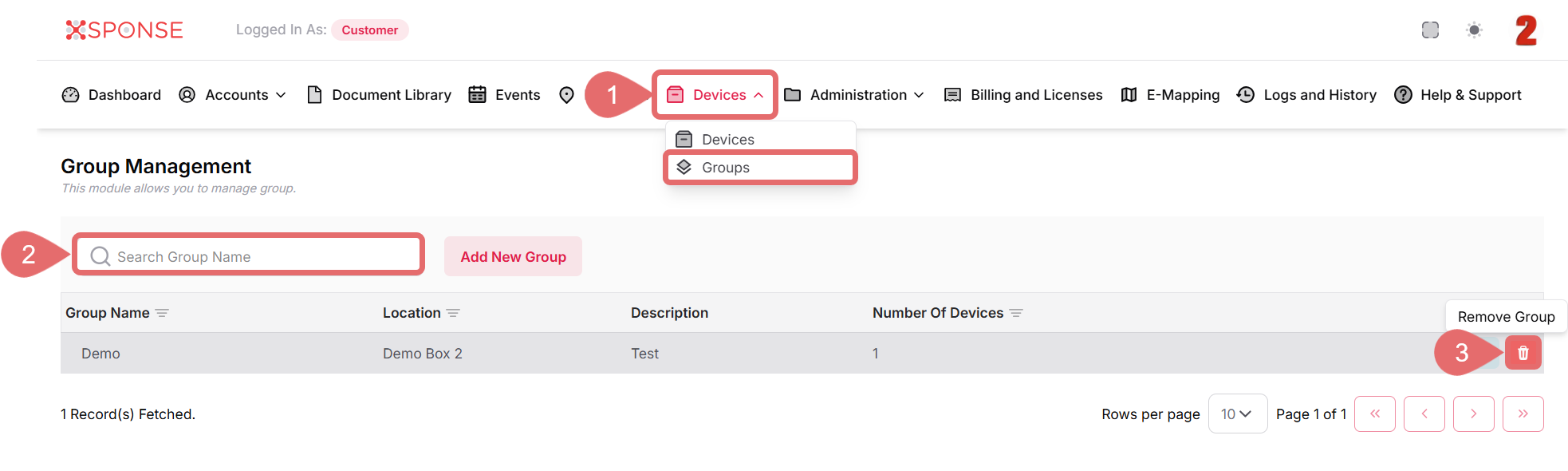
- Go to Devices > Groups in the main menu.
- Use the search bar to locate the group you want to delete or you can also scroll through the list to locate it manually.
- In the Actions column, click the Remove Group icon.
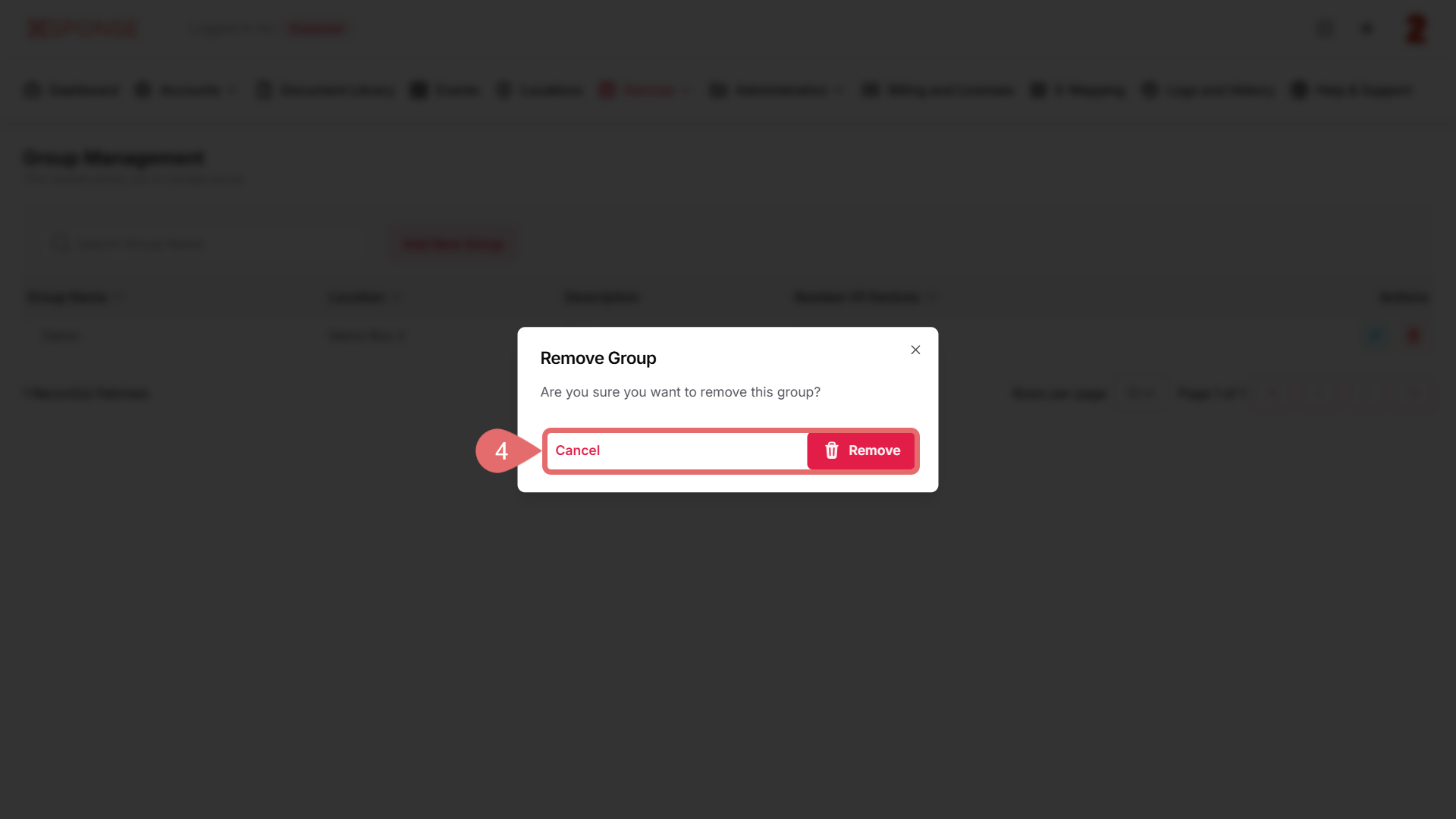
- In the confirmation dialog, click Remove to permanently delete the group or Cancel to exit.
Effect of Removing a Group
Removing a group will not delete the devices assigned to it, but it will ungroup them. These devices will need to be reassigned to another group if needed.
See Also
To complement your knowledge of this process, check the following pages: